Software for people who build their own worlds.
Three programs that each stand on their own and together form a whole: design a model railway, make the buildings for it, and run the trains on it.
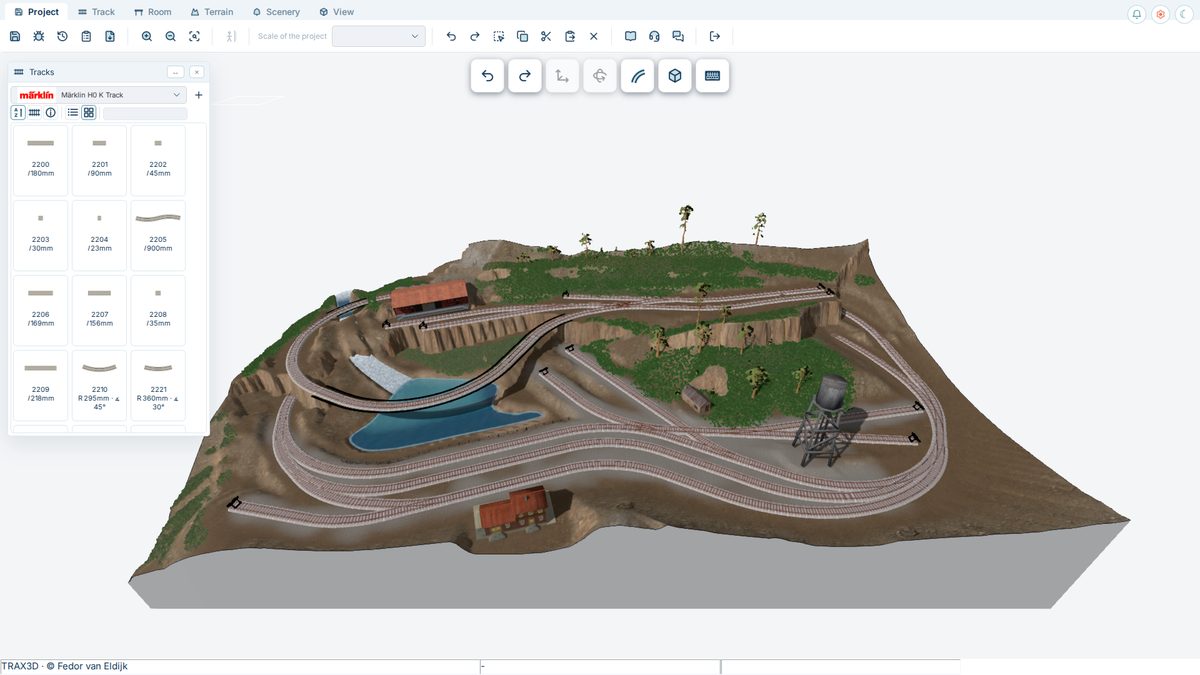
TRAX3D
Model railway design in 3D, in the browser — freeLay your layout with the manufacturers' real track — more than a hundred track libraries, from Märklin, Fleischmann, Roco, Peco, Kato and many more — shape the landscape, place buildings and trees, and check grades, radii and clearances in the CAD drawing. TRAX3D is free and has no advertising; it succeeds TRAX2, which tens of thousands of model railway enthusiasts used.
Go to trax3d.com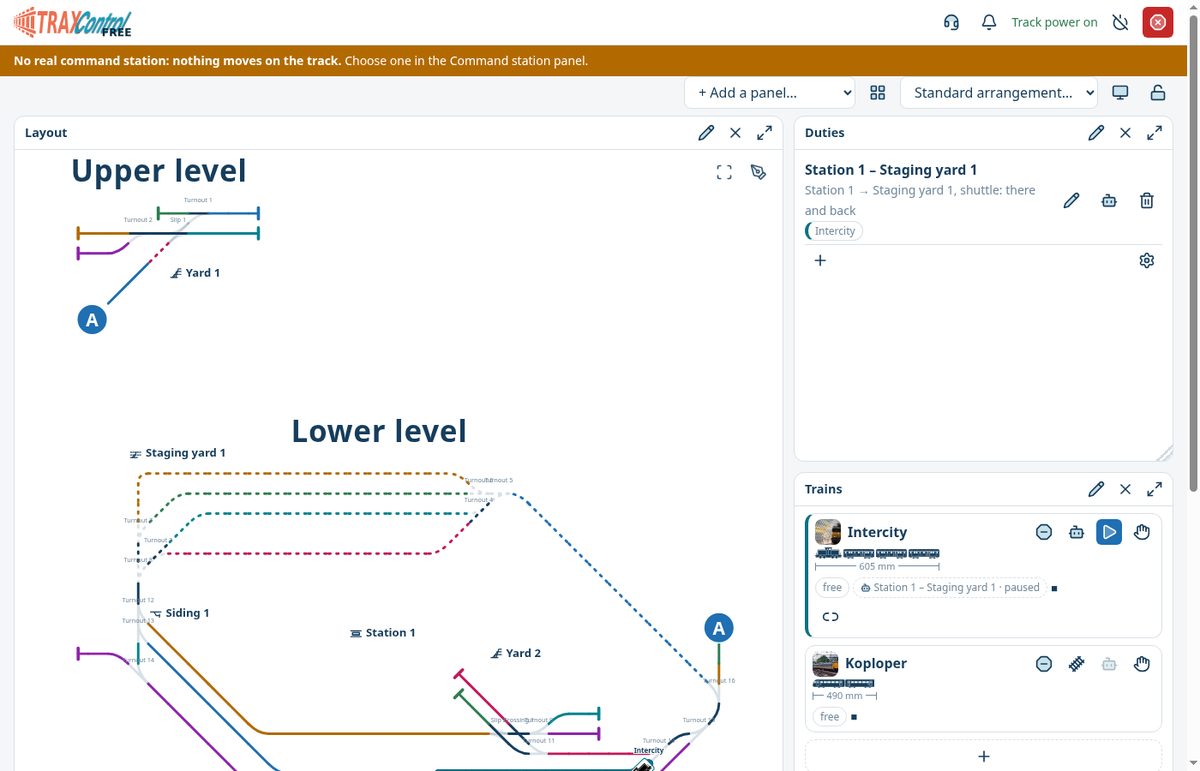
TRAX Control In testing
Run your model railway from your computerTRAX Control drives your trains, sets your turnouts and signals, and lets trains run their own timetable. It reads your layout straight from TRAX3D, so you never draw it twice. You can even take a trial run on your computer before a single rail is laid.
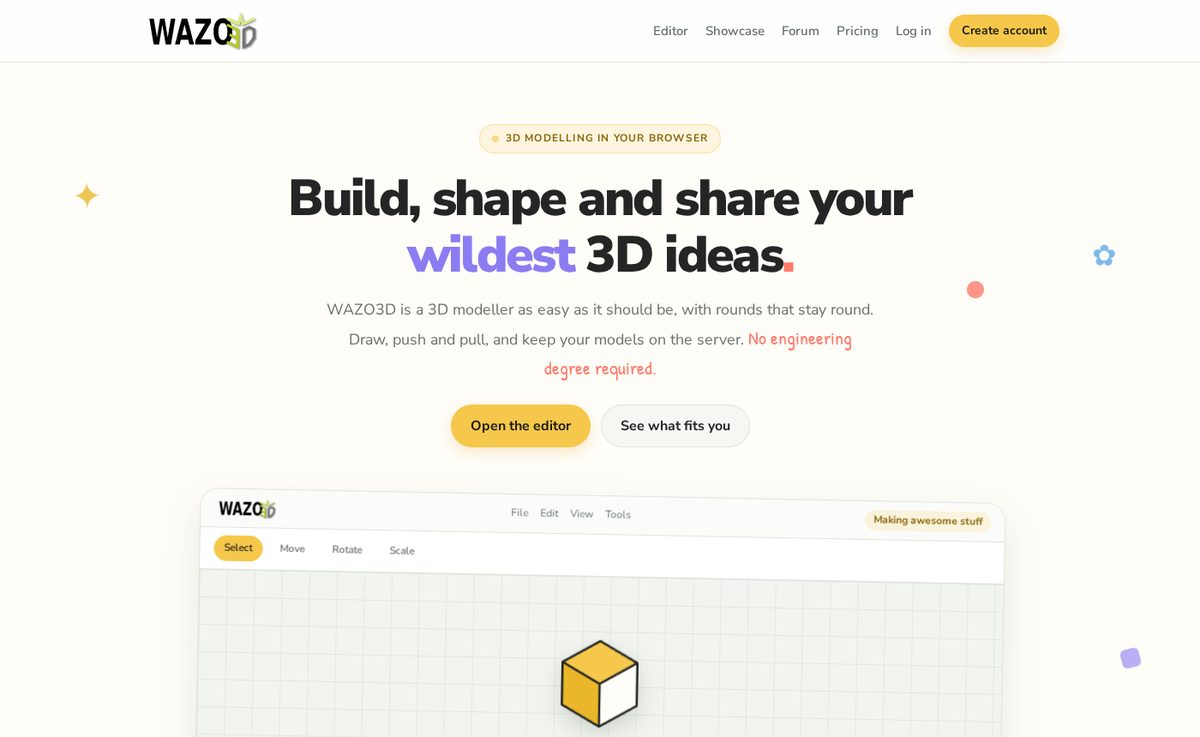
WAZO3D
3D modelling in the browserA 3D modeller as easy as it should be, with rounds that stay round. Draw, push and pull, and keep your models on the server. What you build in WAZO3D, you place on your layout in TRAX3D.
Go to wazo3d.comHow they work together
DesignIn TRAX3D you draw the layout, the landscape and the tables, with parts you can really buy.
BuildIn WAZO3D you make the station or the factory nobody sells, and put it on your layout.
RunTRAX Control takes the layout over as it was drawn, and runs the trains on it.